






 Log in
Need help? Just ask Adel
Adel, Our Virtual Assistant
Need help with something? Just ask. Adel can answer questions, help you find information, and guide you through common banking tasks online, in the mobile app, or by phone—any time of day.
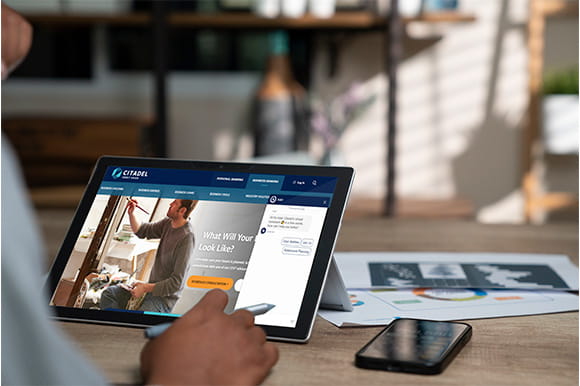
Ready for you, 24/7
Adel’s here to offer assistance when you need to:
- Check balances and recent transactions
- Transfer money between accounts
- Make loan or credit card payments
- Get answers to common questions
- Report issues like lost, stolen or damaged cards
In Online & Mobile Banking, Adel provides guidance as you view your account and take action. When you call, Adel can also help with simple requests like transfers and payments.
Chat with Adel
Start a conversation with Adel anytime on our website using the chat icon in the bottom corner of your screen. If you're logged into Online & Mobile Banking, select “Start a Chat” from the menu.
You can ask:
- “How do I apply for a mortgage?”
- “How do I report fraud on my card?”
- “What are your Certificate rates?”
Adel can answer questions like these and walk you through how to get things done, often in just a few simple steps. But it can’t access your account details or move money for you, even if you’re logged in. To protect your information, account-specific requests require verification, which is available when you call.
Need account-specific assistance? Connect with a team member during business hours or send a Secure Message anytime.
Bank by phone with Adel
To get started, call 800-666-0191 and say something like “Check my balance.” The first time you call, you’ll go through a quick setup. After that, you’ll use your account number and phone banking access code to securely log in to your account.
Over the phone, Adel can complete certain requests for you, like:
- Checking balances and recent and pending transactions
- Transferring money between accounts
- Making loan or credit card payments
- Confirming payment details
If you need additional support, Adel can transfer you to a representative during regular business hours.
Using Phone Banking
Our automated phone system is designed to help you get answers fast and connect with the right person when needed. Here are a few ways to make your call as easy as possible:
Before your call
- Call from a number on your account and don’t block or hide your number: To protect your account from fraud, Phone Banking is only available when you call from a number listed on your account. Calls from private, blocked, or unrecognized numbers will not work.
If you have difficulty getting verified, you may need to update your contact information. Here’s how.
- Have your account number ready: This helps you log in or verify faster with an agent. Your account number is 6 or 7 digits, without the “-S” and following numbers.
Note: You cannot use your credit card, debit card, or Social Security number to log in to phone banking.
- Call from a quiet place when possible: Background noise can make it harder for the system to understand you and may slow things down.
Get what you need faster
- Clearly say why you’re calling: Short phrases like “account balance” or “make a payment” route your call to the right place more efficiently than repeating general requests.
- Make one request at a time: This avoids confusion and gives you a more accurate response.
- Listen carefully to available options: They reflect common requests and can help you navigate the system.
Reach the right person
- Looking for a specific person or department? Press 1 or say “dial by extension” at any time.
- Returning a call? Use the phone number and extension provided in the message to connect directly with the person who contacted you.
